
St. Lucie Public Schools Digital Learning logo featuring a computer monitor with a graduation cap and school building inside. The text reads "St. Lucie Public Schools Digital Learning".

Check out our Student Technology Notebook

This interactive OneNote houses videos, guides, and “how-tos” for the different technology platforms we use in SLPS.

Do you need more help in any of these areas? If so, check out the notebook!

  • Meeting features in Teams
  • Cool designs for PowerPoint
  • Read aloud tools in Word
  • Easy citations for papers
  • Organizing your digital stuff in OneDrive
  • Taking notes digitally with OneNote
School Laptop Setup

To setup a laptop for student use:

Access the Guide

[ Español ] [ Kreyòl Ayisyen ]

Print Guide for Parents/Quarantined Students
– to accompany a provisioned laptop
(please print and provide with laptop)

Personal Computer Setup

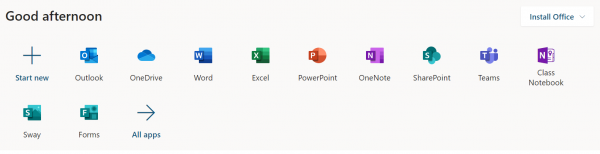
Microsoft’s Student Advantage Program provides free downloads of the full version of Microsoft Office (Microsoft Word, Excel, PowerPoint, Outlook, OneNote, Publisher, Access, etc.) for all St. Lucie County students, in District operated schools, for use on their personal and mobile devices. Download and activation requires a student network username and password which is provided to all actively enrolled students.

Please be aware, this process works best on a computer. iPads, mobile devices, etc. will display differently.

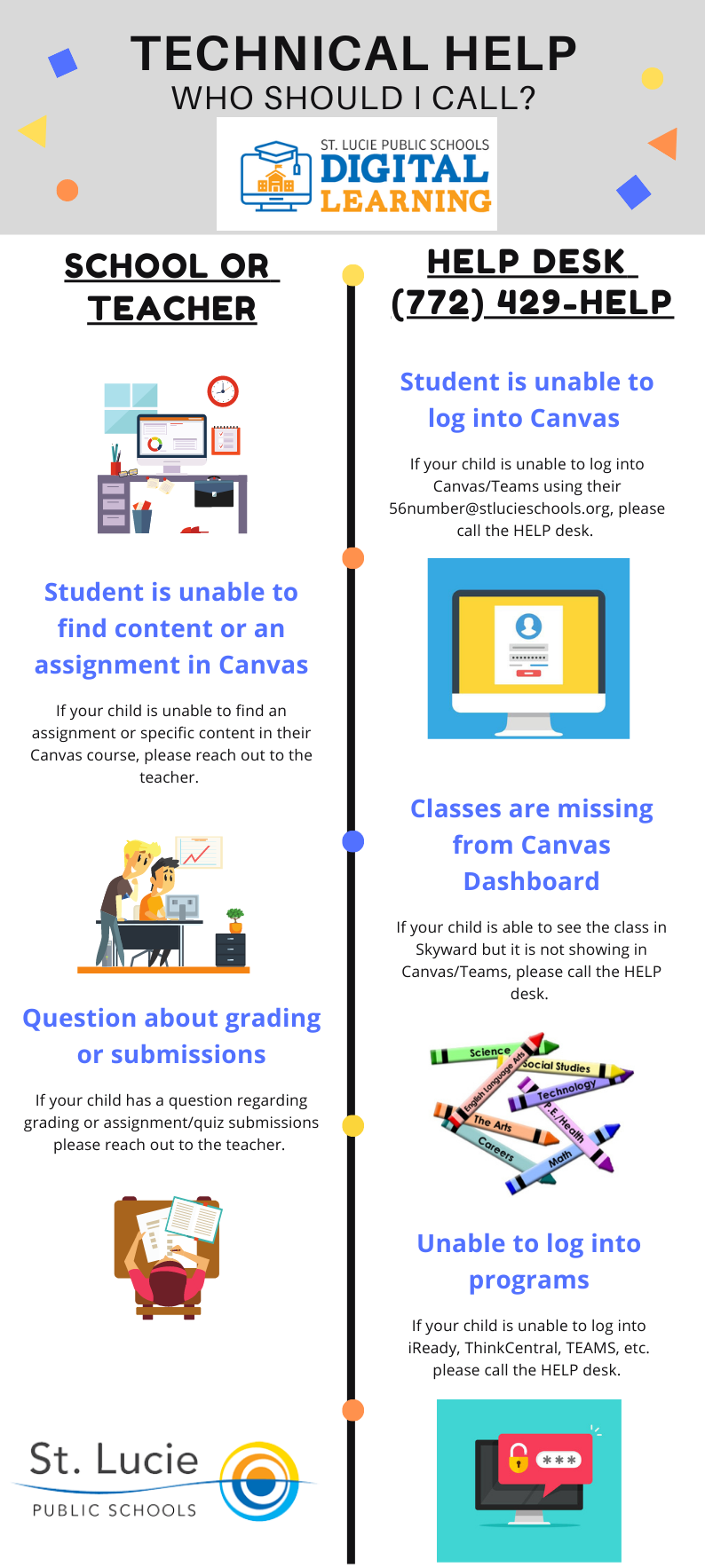
St. Lucie Public Schools provides a technical help guide, differentiating when to contact the school or teacher versus the help desk at (772) 429-HELP for Canvas, iReady, and other digital learning platforms.

Getting Started with Office 365

Office 365 works like you: everywhere. Familiar applications and always-accessible files update in real time to learning curriculum seamless and easy on Android, iOS or Windows devices. Learn how you can prepare to use Office 365 and Teams for Distance Learning.
Getting Started with Office 365 [ Español ] [ Kreyòl Ayisyen ]

Shared Computers

Canvas Learning Management System

Canvas is a Learning Management System or LMS. It is used by your teachers to provide an organized, collaborative space where students can learn and grow.

Once inside of a Course in Canvas, students will have a HELP button for each class that will provide additional support.

How to Access Canvas

Notification Preferences

Submitting Assignments

Messaging Your Teacher

Checking Your Grades

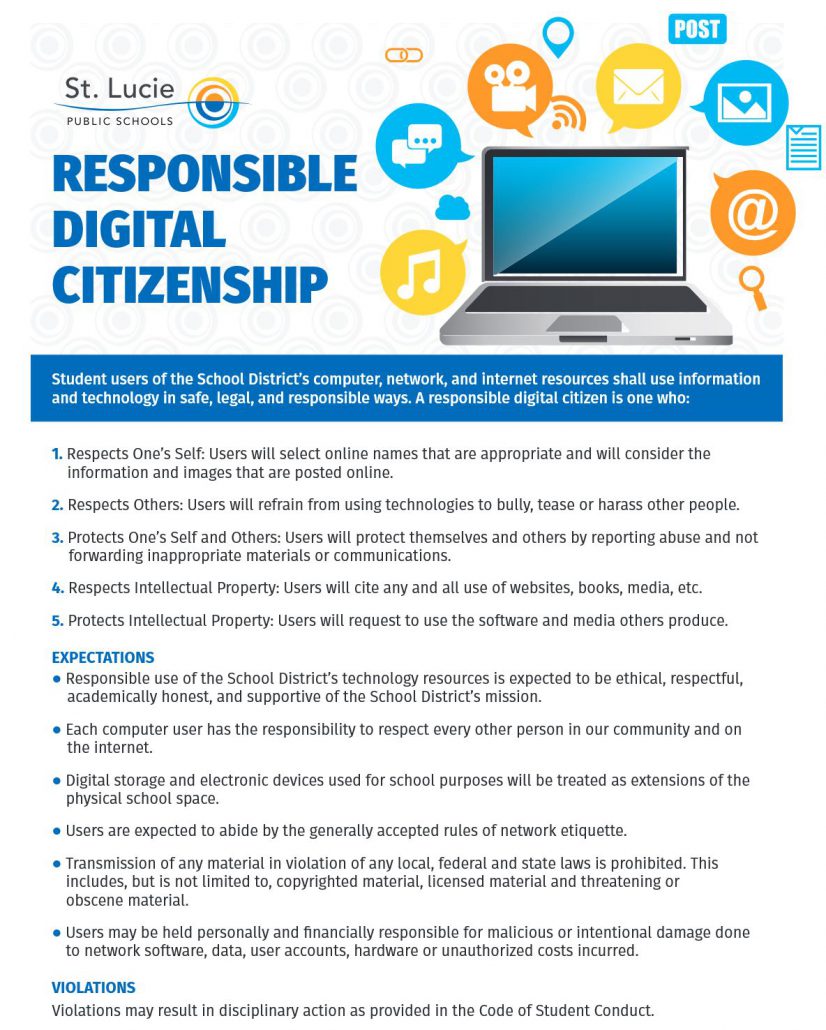
Digital Citizenship

It is imperative to understand the digital footprint we are creating and the proper way to communicate & collaborate in online environments. We would like to share a great site called Common Sense Media that has wonderful resources on digital citizenship and setting up parental controls.
St. Lucie Public Schools' "Responsible Digital Citizenship" poster. It features a laptop surrounded by digital icons representing online communication, reinforcing the importance of safe, legal, and responsible online behavior for students.

Parents – Digital Learning Tools

Digital Accessibility tools are helpful technology resources used across platforms to meet the diverse needs of learners. Read on to find out how students can use these tools to support their online learning and try out the tools in the interactive guides/demos.

Reading: https://aka.ms/InclusiveReadingDemo

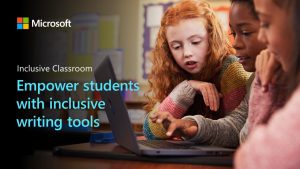
Three diverse students collaborate on a laptop in a classroom, using Microsoft's inclusive writing tools. The image emphasizes empowering students in an inclusive classroom setting.

Help students read more effectively

In this interactive guide, you’ll see how inclusive classroom tools from Microsoft can help students read more effectively, improve focus, and work independently at their own pace.

Math: https://aka.ms/InclusiveMathDemo

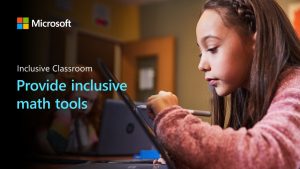
A young girl uses a stylus on a Microsoft Surface device in a classroom. The image promotes "Inclusive Classroom" and "inclusive math tools." A classmate is visible in the background.Provide inclusive math tools
In this interactive guide, you’ll see how inclusive math features from Microsoft provide a toolbox of free capabilities to empower students of all abilities and learning styles, improve comprehension of written problems and their solutions, and enable students to work independently at their own pace.

In this interactive guide, you’ll see how to empower students with inclusive tools that help them write more efficiently, edit quickly and accurately, and work independently with confidence.

Communication: https://aka.ms/InclusiveCommunicationDemo

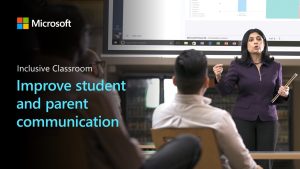
A teacher presents "Inclusive Classroom" tools, including Microsoft Power BI, to improve student and parent communication. Attendees listen attentively in a modern classroom setting.Improve student and parent communication

In this interactive guide, you’ll see how inclusive classroom tools from Microsoft can help you improve communication with students and parents. You’ll see how to present with live captions and subtitles, hold multilingual group conversations, and provide one-on-one translation.
Parents – Communication Is Key

Colorful graphic promoting communication between parents and teachers during virtual learning. Features the text "Communication is Key!" along with speech bubble, phone, and email icons.

Make sure your email & phone number are up-to-date in Skyward

If you need to make a change to an email address or phone number listed for you in Skyward, contact the school.

Check Canvas frequently with your student

Canvas is where assignments and content will be posted. Check Canvas and Skyward Family often to stay current on grades and assignments.

Email, Phone Call, or Virtual Meeting

If your child is having difficulties, do not hesitate to reach out via email to the teacher. If a virtual call or meeting is needed, the teacher can send you an invite via Teams.

Ask for help

If you or your child are confused on what is required or need additional support, contact the teacher. This journey is new for everyone and questions are welcomed.

Quick Links to Learning Platforms

Canvas
Take Survey
Beanstack
Canva
ClassDojo
Where classrooms become communities
Capstone Digital
CODE
Discovery Education
A K-12 digital media library
Florida Students
Student tutorials and resources
i-Ready
Kahoot!
Lexia English Language Development
McGraw Hill Education
Essential tools and resources to foster effective learning.
Nearpod
Net Smartz Kids
Penda Learning
Renaissance Star
Savvas Realize
Digital e-learning platform
Study Island
Xello
Canvas
Take Survey
Beanstack
Canva
ClassDojo
Where classrooms become communities
Classroomscreen
Capstone Digital
CODE
Desmos
Discovery Education
A K-12 digital media library
Edgenuity
Standards-aligned video-based curriculum
EverFi
Florida Students
Student tutorials and resources
iSAFE
IXL Learning
Kahoot!
McGraw Hill Education
Essential tools and resources to foster effective learning.
MyHRW - Houghton Mifflin Harcourt
Nearpod
NetSmartz
Learn how to be safer on and offline
Padlet
Penda Learning
Quizlet
Interactive flashcards, practice tests, and study activities
Renaissance Star
Savvas Realize
Digital e-learning platform
Study Island
Xello
Canvas
Take Survey
Beanstack
Canva
ClassDojo
Where classrooms become communities
Classroomscreen
CODE
Desmos
Discovery Education
A K-12 digital media library
Edgenuity
Standards-aligned video-based curriculum
EverFi
Florida Students
Student tutorials and resources
Helper Helper
iSAFE
IXL Learning
Kahoot!
McGraw Hill Education
Essential tools and resources to foster effective learning.
MyHRW - Houghton Mifflin Harcourt
NetSmartz
Learn how to be safer on and offline
Nearpod
Padlet
Penda Learning
Quizlet
Interactive flashcards, practice tests, and study activities
Renaissance Star
Rosetta Stone
Savvas Realize
Digital e-learning platform
Xello